
Security
Stop Account Takeovers: A Creator's Guide to 2FA, SIM-Swaps, and Recovery
How adult creators lose accounts and how to prevent it — choosing the right 2FA, defending against SIM-swap attacks, locking your recovery options, and reclaiming a hijacked account.
Of all the ways a creator's career can be derailed in an afternoon, losing control of an account is the most common and the most preventable. It's also the most devastating, because your accounts are not just logins — they're your audience, your income pipeline, your reputation, and sometimes your only line of communication with the people who pay you. When an attacker takes one over, they can extort you for its return, drain it, impersonate you to your fans, or simply burn it down.
I've watched it happen enough times to tell you something reassuring: the attackers are rarely skilled. Account takeovers almost never involve "hacking" in any cinematic sense. They involve a stolen password from an old breach, a recovery email left unprotected, or a phone number quietly stolen out from under the victim. Every one of those has a defense, and the defenses are not hard. This guide walks through how takeovers actually happen and exactly how to shut each path down — then how to fight back if one succeeds anyway.
How accounts actually get taken
Start by understanding the real attack paths, because defending against the imaginary ones wastes effort. Account takeovers overwhelmingly come through one of these doors:
- Credential reuse. You used the same password on your creator account that you used somewhere that got breached years ago. Attackers buy these leaked password lists in bulk and simply try them everywhere. This is the single most common takeover method, and it requires no skill at all.
- Phishing. You were tricked into typing your password into a fake login page — often reached through a DM about a "collab," a "verification," or a "copyright problem" designed to make you act fast.
- SIM-swapping. An attacker convinced your phone carrier to move your number to their SIM card, then used SMS password resets and SMS-based two-factor codes to walk into your accounts. This is the scariest path because it can bypass protections you thought were keeping you safe.
- A compromised recovery channel. Your email or phone — the things that can reset every other account — was the actual target. Control the recovery channel and an attacker controls everything downstream.
Notice the pattern: almost none of this is about breaking your password directly. It's about reuse, deception, and the recovery pathways most people never think to lock down. So that's what we'll fix, in order of leverage.
Step 1: Unique passwords, every account, no exceptions
This is the foundation, and it defeats the most common attack outright. If every account has its own unique, strong password, then a breach anywhere else is contained — the leaked password opens nothing of yours.
You cannot do this from memory, and you shouldn't try. Use a password manager (Bitwarden, 1Password, and others) to generate and store a different long password for every single account. You remember one strong master password; it remembers the rest. This one habit eliminates credential-reuse takeovers entirely, which is to say it closes the most-traveled door attackers use.
A password manager quietly defends against phishing too: it ties saved logins to the real web address, so it won't autofill your password on a lookalike scam domain. When the manager doesn't offer to fill, that silence is a warning worth heeding.
Step 2: Choose the right kind of 2FA
Two-factor authentication means that even if your password leaks, an attacker still needs a second thing to get in. It is essential — but not all 2FA is equal, and the difference is exactly what SIM-swappers exploit.
In order from strongest to weakest:
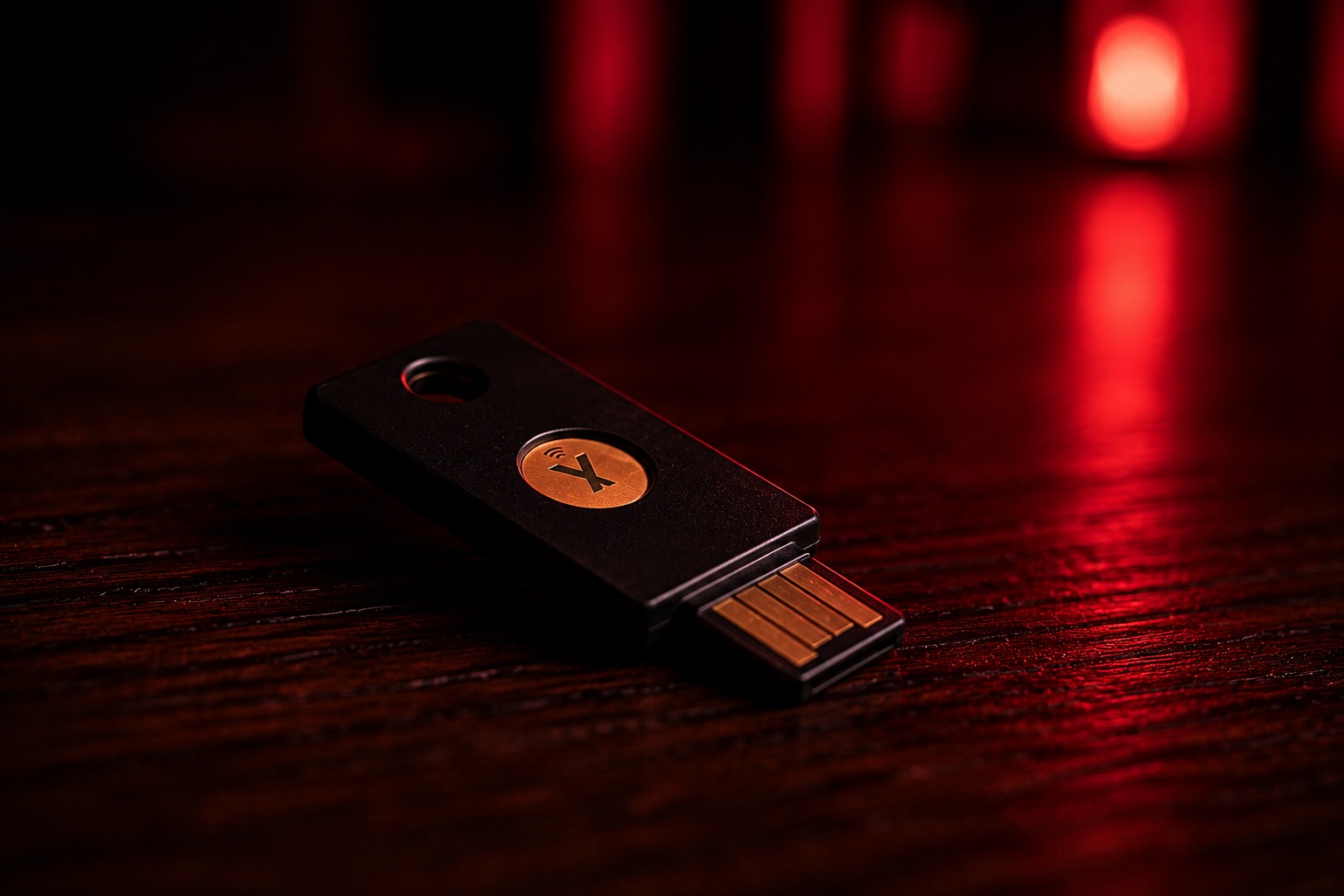
- Hardware security keys (such as a YubiKey) are the gold standard. The second factor is a physical device an attacker would have to physically possess, which also makes them strongly phishing-resistant — a fake site can't capture what it can't access. For your most critical accounts, this is the best protection available.
- Authenticator apps (Aegis, Authy, or a password manager's built-in generator) produce rotating codes on your device. They're excellent, free, and — crucially — not tied to your phone number, so a SIM-swap can't intercept them. For most creators, this is the practical sweet spot.
- SMS text-message codes are the weakest form, because they ride on your phone number — and your phone number can be stolen via SIM-swap. SMS 2FA is still far better than no 2FA, so use it where it's the only option. But wherever an account supports an authenticator app or a hardware key, switch to that and turn SMS off as a login factor if the platform lets you.
The actionable takeaway: go through your important accounts and migrate 2FA away from SMS to an authenticator app or hardware key. Prioritize the account that controls all the others — your email — first.
Step 3: Defend your phone number against SIM-swaps
SIM-swapping deserves its own defenses because it's how attackers defeat protections you assumed were solid. The attack works by social-engineering your carrier, not you — so part of the defense lives with the carrier.
- Add a port-out PIN or transfer lock with your carrier. Every major carrier offers a setting — sometimes called a port freeze, number lock, or account PIN — that blocks your number from being transferred without a separate secret. Turn it on. This is the direct countermeasure to SIM-swapping, and most people have never enabled it.
- Minimize your phone number's role in security. The less your number can do, the less a stolen number is worth. Once your 2FA lives in an authenticator app or hardware key (Step 2), a SIM-swap stops being a master key and becomes a nuisance.
- Use a separate VoIP number for creator accounts. As covered in my identity guide, keeping a dedicated number (Google Voice, MySudo) off your real carrier line means that even a successful swap of your personal number doesn't touch your creator world. Compartmentalization limits the blast radius.
- Watch for the warning sign. If your phone suddenly loses all signal for no reason — no calls, no data, "no service" where you normally have it — treat it as a possible SIM-swap in progress, not a glitch. Contact your carrier immediately from another line.
Step 4: Lock down recovery — the door behind the door
Here's the step almost everyone forgets, and it's the one sophisticated attackers target precisely because you forgot it. You can have a perfect password and strong 2FA on an account, and still lose it — if your recovery options are weak. Recovery settings are a back door that bypasses your front-door security entirely.
Audit, on every important account:
- The recovery email. It should point to an address you fully control and have secured to the same standard — ideally a dedicated, locked-down email, never an old one you've half-abandoned. If an attacker controls your recovery email, your other protections are decorative.
- The recovery phone number. Apply the same SIM-swap defenses; better yet, prefer email and authenticator recovery over phone where you can.
- Backup codes. Most services hand you one-time backup codes when you enable 2FA. Generate them, then store them somewhere genuinely safe — in your password manager's secure notes, or printed and physically secured. These are your lifeline if you ever lose your authenticator device, and without them, losing your phone can lock you out as effectively as any attacker.
- Active sessions and connected apps. Periodically review where you're logged in and which third-party tools have access. Revoke anything you don't recognize or no longer use. For tools that connect to a platform, prefer scoped, individually revocable credentials — on Bluesky, for instance, app passwords you can revoke one at a time — so cutting off a compromised tool never means resetting your whole account.
Step 5: Have a takeover response plan
Even strong defenses can be beaten by a determined attacker or a moment of bad luck. The creators who recover fastest are the ones who knew the steps in advance, while calm. If an account is taken:
- Move immediately to secure the recovery channel. If the email behind the account is compromised, regain control of that first — it's the root. Everything else depends on it.
- Use account recovery from a trusted device you still control. Change the password, and check that the attacker hasn't altered the recovery email, recovery phone, or 2FA settings to lock you back out — reversing those changes is part of reclaiming the account, not an afterthought.
- Revoke all active sessions and connected app credentials so the attacker is kicked out everywhere, not just the one login you reset.
- Contact the platform's trust-and-safety or support channel. Identify these before an emergency so you're not hunting for a contact form mid-crisis. Adult-creator-friendly platforms with responsive support are worth their weight here.
- Warn your audience if the account was used to impersonate or scam you. A quick heads-up from a channel you still control protects your fans from a takeover-powered scam and protects your reputation.
- Do not pay an extortion demand for an account's return. Paying marks you as a target and rarely ends the demands. Work the recovery process and reporting channels instead.
Write this down somewhere you can reach without the compromised account. A plan you have to invent during the panic is barely a plan at all.
The fifteen-minute version
If you do nothing else, do these five things this week, in order:
- Put every login in a password manager with a unique password — starting with your email.
- Switch your most important accounts' 2FA from SMS to an authenticator app or hardware key.
- Call your carrier and enable a port-out/number lock to block SIM-swaps.
- Audit recovery settings on your key accounts and save your backup codes somewhere safe.
- Write a one-page recovery plan and store it outside your accounts.
That's the whole defense, and it's genuinely achievable in an afternoon. The attackers counting on your account being an easy target are counting on you skipping exactly these steps. Don't. Your accounts are your livelihood — protect them like it.
— Wayne, Head of Security, RedSky
Related reading
Ready to see your feed, unfiltered?
RedSky is the adults-only Bluesky client. Your account, your follows, your content — nothing blurred, nothing buried.
Open RedSky →